Signs your solar battery needs replacing
Solar power systems rely heavily on one essential component: the battery. While solar panels get most of the attention, it’s your battery bank that keeps the lights on at night and powers your appliances during cloudy days. Whether you’re using lead-acid, AGM, gel, or lithium-ion batteries, all solar batteries have one thing in common — they don’t last forever.
Over time, even the most robust solar batteries will degrade. This natural wear and tear results in reduced performance, shorter runtime, and — if ignored — complete system failure. Replacing your battery at the right time is crucial for keeping your solar setup safe, efficient, and reliable.
But how do you know when your solar battery is on its last legs? Is a shorter runtime just a fluke, or a sign of deeper issues? In this post, we’ll explore the most common signs that your solar battery needs replacing, how to test battery health, and what to consider when shopping for a new one.
A failing battery can cause your entire solar system to underperform — wasting your solar panel output and risking damage to your connected equipment.
Table of Contents
Understanding Solar Battery Lifespan
Before you can identify whether your solar battery needs replacing, it helps to understand how long these solar batteries are supposed to last — and what factors can shorten or extend that lifespan. Not all solar batteries are created equal. Their chemistry, usage, and maintenance practices all play a role in determining when replacement becomes necessary.
Average Lifespan by Battery Type
| Battery Type | Expected Lifespan | Typical Cycle Life |
|---|---|---|
|
Lead-Acid (Flooded) |
3–5 years |
500–1,000 cycles |
|
AGM (Sealed Lead-Acid) |
4–7 years |
600–1,200 cycles |
|
Gel |
5–8 years |
1,000–1,500 cycles |
|
Lithium-ion (LiFePO₄) |
10–15+ years |
2,000–7,000 cycles |
What Affects Battery Longevity?
1. Depth of Discharge (DoD)
The more deeply you discharge your battery, the fewer cycles it will survive. Lead-acid batteries should ideally not be discharged below 50%, while lithium batteries can handle 80–90% discharges more comfortably.
2. Temperature
Batteries degrade faster in extreme heat or cold. High temperatures accelerate chemical wear, while cold can reduce capacity.
3. Overcharging or Undercharging
Improper charge regulation — often due to a poorly configured or missing charge controller — can damage internal components and lead to premature failure.
4. Usage Patterns
Batteries used in high-load systems (e.g., frequent deep cycling for appliances like fridges or pumps) will wear out faster than those supporting lighting and occasional electronics.
5. Maintenance and Care
Flooded lead-acid batteries require regular water refills and terminal cleaning. Even sealed batteries benefit from proper installation, ventilation, and occasional inspections.
Common Signs Your Solar Battery Is Failing
Even if your solar battery hasn’t reached the end of its rated lifespan, it may begin to show signs of wear. Catching these early symptoms can save you from unexpected power outages, system failure, or damage to other components.
Below are the most common warning signs that your solar battery may need replacing:
1. Reduced Capacity or Runtime
If your battery doesn’t last as long as it used to — for example, powering lights for only 2 hours instead of 6 — that’s a red flag. Over time, batteries lose their ability to hold a full charge. This is one of the most noticeable indicators of deterioration.
⚠️ Even with full sunlight and a proper charge, a reduced runtime means your battery’s storage capacity has likely degraded.

2. Frequent Low Voltage Warnings
Charge controllers and inverters often alert you when the battery voltage drops too low. If you’re receiving low voltage warnings more often than before, even after a full day of charging, your battery may no longer be able to maintain a healthy voltage level.
3. Slow Charging Despite Full Sunlight
If your panels are working fine but the battery takes much longer than usual to reach full charge, it might be struggling to accept current. This can indicate sulfation in lead-acid batteries or cell degradation in lithium types.
4. Inconsistent or Flickering Power Supply
Intermittent power delivery — such as lights flickering or the system turning off unexpectedly — is often a sign of a weak or unstable battery. This issue may also cause devices like inverters to shut down or restart frequently.
5. Overheating or Swelling
Physical symptoms such as hot casing, bulging, or warping are serious. These could indicate internal short circuits or thermal runaway, and the battery should be disconnected immediately to avoid fire or explosion risks.
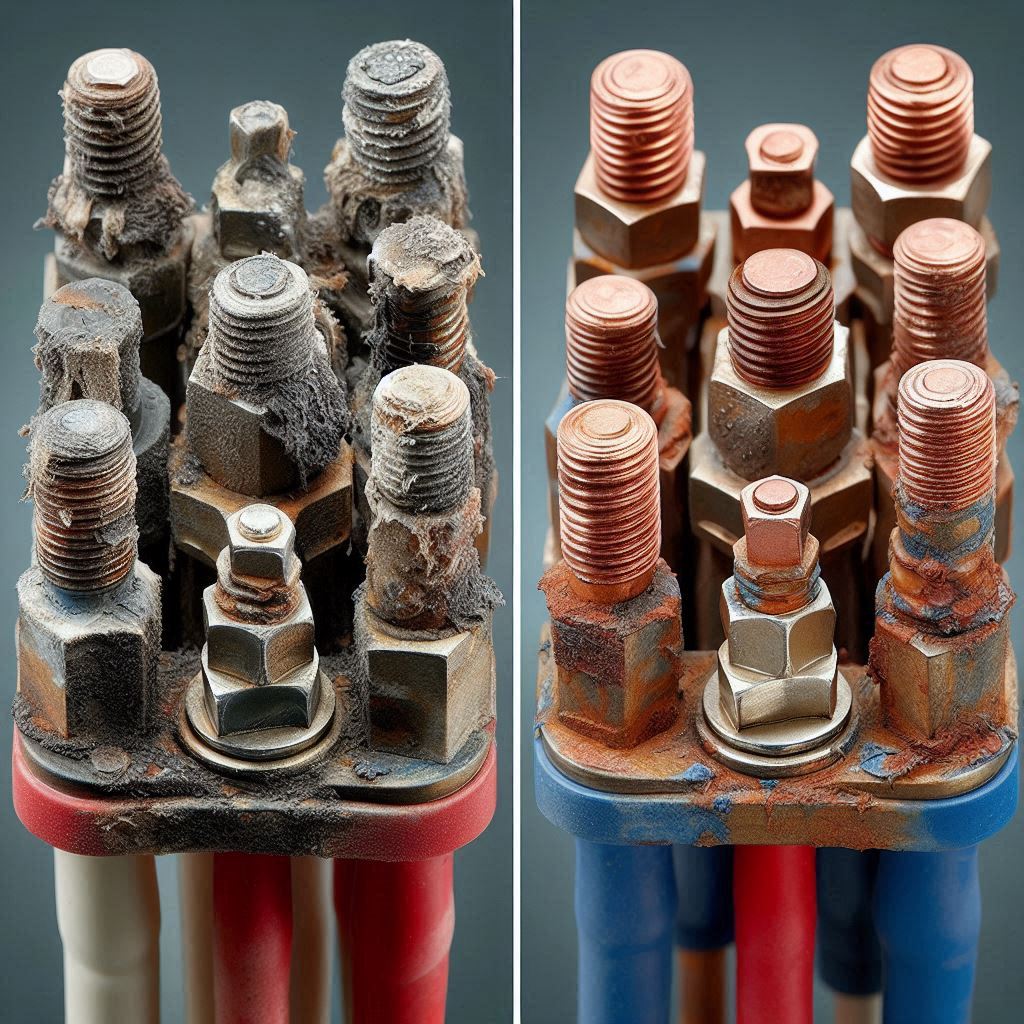
6. Fluid Leakage or Terminal Corrosion (Lead-Acid Batteries)
If you see leaking electrolyte, white or green crust around terminals, or rust, your lead-acid battery is deteriorating. These signs often accompany reduced performance and pose safety hazards.
7. Complete Failure to Hold a Charge
If your battery drains within minutes after charging, or doesn’t store any power at all, it has likely reached the end of its life. This is common in older lead-acid batteries or lithium batteries with damaged cells.
Tools to Test Solar Battery Health
While visual cues and performance issues can alert you to battery problems, nothing beats measuring the actual numbers. Fortunately, you don’t need advanced equipment to evaluate your solar battery’s health — just a few affordable tools and some basic know-how.
1. Multimeter (Digital or Analog)
A multimeter is your go-to tool for checking battery voltage at rest (no load) and under load (while powering devices).
What to Check:
-
Fully charged 12V battery should read ~12.6–13.0V (at rest)
-
Anything below 11.8V consistently may indicate serious degradation
-
Voltage drop under load suggests poor charge retention
Tip: Test both when the system is idle and under load for best insights.
2. Load Tester
A load tester applies a temporary load to your battery to simulate real usage and monitor voltage stability.
What to Check:
-
If voltage drops sharply under load, the battery may have internal resistance issues
-
Good for quickly diagnosing weak cells, especially in lead-acid systems
Tip: Many auto parts stores or solar supply shops offer this service for free or a small fee.
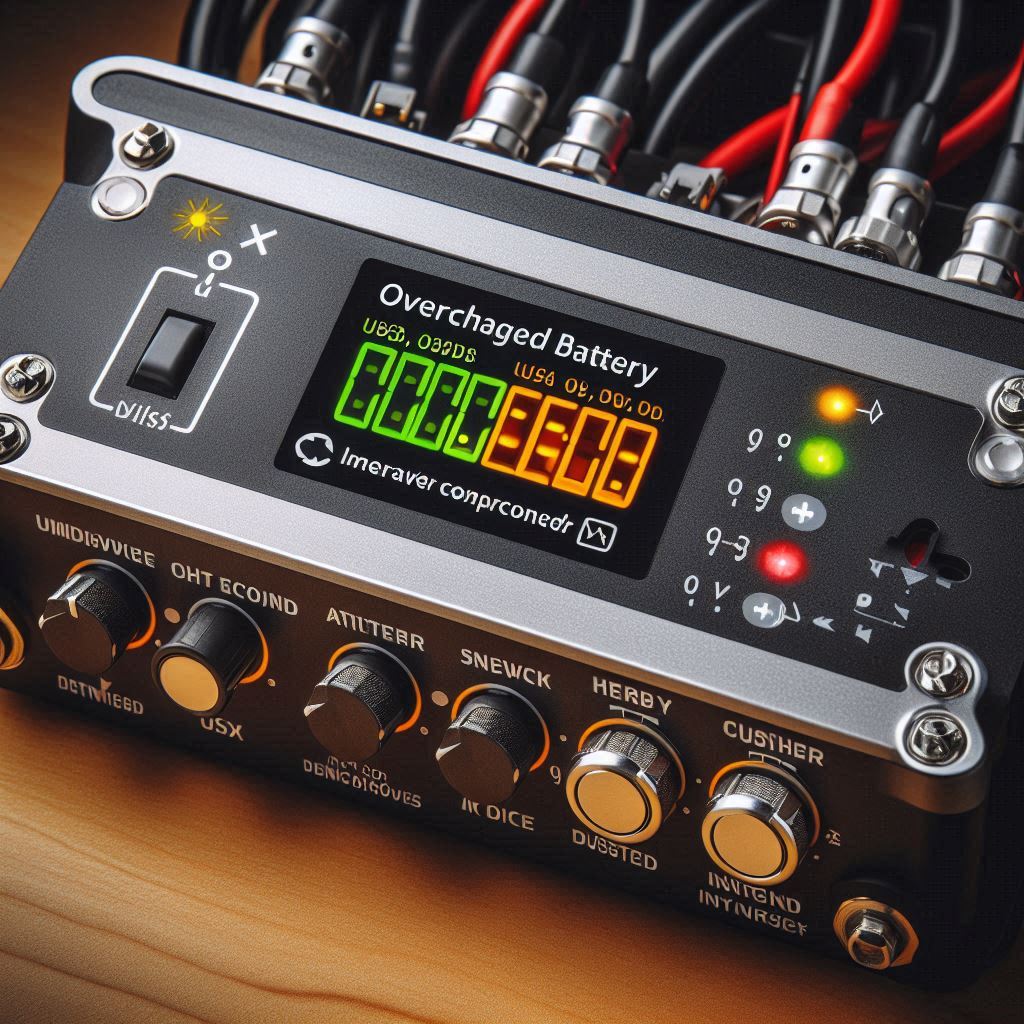
3. Battery Monitor System (BMS) or Charge Controller Logs
Modern MPPT charge controllers and lithium battery packs come with built-in BMS systems or logging tools that show:
-
Charge/discharge cycles
-
Depth of discharge (DoD)
-
Voltage over time
-
Alerts or errors (e.g., over-temp, low voltage)
What to Check:
-
Look at recent charge/discharge trends
-
Identify voltage dips or abnormal current draw
Bonus: Many of these tools sync with mobile apps for easy tracking.

4. Manual Voltage Logging
Even without a fancy monitor, you can track health by recording:
-
Morning voltage (after no use overnight)
-
Voltage at midday (under full sun)
-
Voltage at night (under load)
Doing this for a week provides a clear picture of charge retention and daily performance.
When to Repair vs Replace
Not every solar battery issue means it’s time to toss the entire unit. Sometimes, the problem can be fixed with a quick adjustment or minor maintenance. But in other cases, attempting to repair a failing battery can be more costly — and risky — than simply replacing it. Let’s break down when you should repair versus when you should replace your solar battery.
When You Can Repair the Battery
Some issues are minor and fixable, especially if caught early. Here are a few repairable situations:
1. Loose or Corroded Terminals
- Fix: Clean corrosion using a mixture of baking soda and water.
- Tighten all terminal connections using a wrench or socket.
2. Low Electrolyte Levels (Flooded Lead-Acid Only)
- Fix: Add distilled water to restore electrolyte level to recommended height.
- Be sure to wear gloves and eye protection.
3. Configuration or Charge Controller Error
- Fix: Update firmware, recalibrate settings, or adjust charge voltage limits.
- Make sure your charge controller is correctly set for the battery type (AGM, GEL, Lithium, etc.).
4. Cold-Related Performance Drops
- Fix: Relocate the battery to a temperature-controlled enclosure or insulate it.
- Tip: Always test the battery after repair attempts using a multimeter or load tester before assuming it’s fully recovered.
When It’s Time to Replace the Battery
If your battery exhibits the following symptoms, it’s more cost-effective — and safer — to replace it entirely:
Cannot Hold a Charge
-
Drops below 11V shortly after charging (in a 12V system)
-
Completely discharges overnight even with minimal load
Swollen, Cracked, or Leaking
-
Physical damage or leaking electrolyte = immediate replacement
Repeated Low Voltage Errors
-
If your system cuts off frequently or shows warning lights despite full sun
Extremely Slow Charging
-
Even on clear, sunny days, the battery takes much longer than normal to charge
Expired Lifespan
-
If your battery has exceeded its cycle life (e.g., 1,500+ cycles for GEL or 3,000+ for lithium), and performance is clearly declining
⚠️ Warning: Continuing to use a failing battery can reduce solar panel efficiency, damage inverters, and cause dangerous failures like overheating or fires.
How to Extend Battery Life in the Future
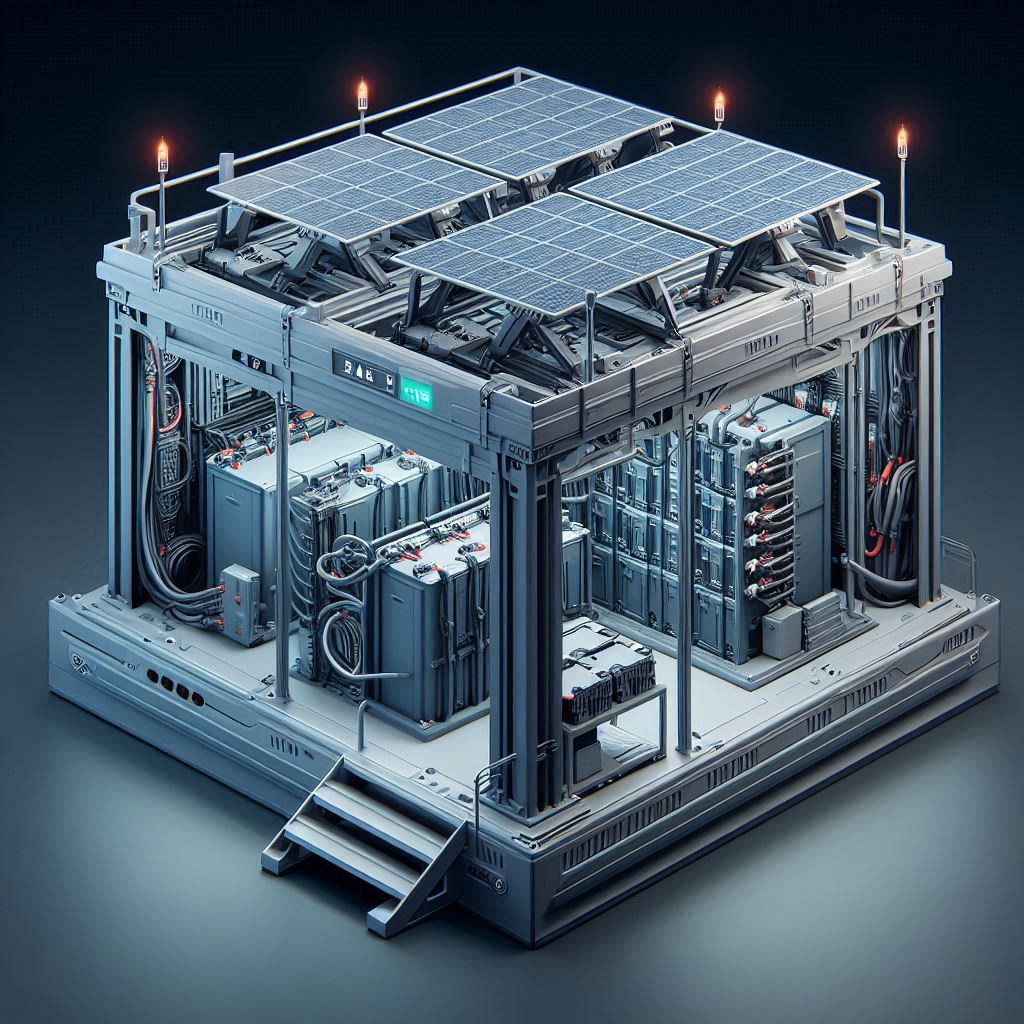
Replacing a solar battery can be costly — especially if it happens sooner than expected. Fortunately, with the right habits and equipment, you can significantly extend the lifespan of your battery bank. Below are tried-and-tested tips to maximize the performance and durability of your solar batteries, regardless of type.
1. Use a Properly Sized and Configured Charge Controller
A high-quality MPPT or PWM charge controller ensures your battery is charged safely and efficiently. Improper charging — whether overcharging or undercharging — is a major cause of premature battery failure.
Always set your charge controller to the correct battery type (AGM, GEL, Flooded, Lithium) and voltage.
2. Maintain Optimal Depth of Discharge (DoD)
Avoid draining your battery to zero. The deeper you discharge, the shorter the battery’s life. Best practice per battery type:
- Lead Acid – 50% Max DoD
- GEL/AGM – 50 – 60%
- Lithium (LiFePO₄) – 80 – 90% Maximum Depth of Discharge
Shallower discharges (e.g., keeping charge above 60%) can double your battery’s life.
3. Control Operating Temperature
High heat accelerates internal chemical degradation, while extreme cold reduces usable capacity.
-
Ideal temperature range: 15°C–25°C (59°F–77°F)
-
Use insulated enclosures or temperature-controlled rooms if possible
-
Avoid placing batteries in direct sun or unventilated areas
4. Perform Regular Maintenance (Especially for Lead-Acid)
-
Clean terminals and apply petroleum jelly or anti-corrosion spray
-
Top up electrolyte with distilled water (for flooded types)
-
Inspect cables and housing for signs of damage, leaks, or swelling
Pro Tip: Schedule a simple visual check once a month.
5. Prevent Long Idle Periods
Leaving batteries unused for extended periods (weeks or months) can lead to self-discharge and sulfation.
-
Disconnect loads if idle for more than a few weeks
-
Keep panels connected to maintain a trickle charge
6. Balance Loads and Avoid Overdraw
Ensure your connected appliances are within the system’s capacity. Overdrawing power forces deep discharges and stresses the battery.
-
Use LED lights and energy-efficient appliances
-
Add another battery if runtime is too short
7. Monitor Your System
Use:
-
Battery Monitors
-
Charge Controller Displays
-
Mobile Apps (for smart MPPT controllers)
Track voltage, temperature, and usage trends to detect issues early.
Choosing a Replacement Battery
Once you’ve confirmed that your solar battery is no longer performing as it should, the next step is to find a suitable replacement. But not all batteries are created equal — choosing the wrong one can compromise your system’s efficiency, or worse, damage your components. Here’s what you need to consider when selecting the right replacement battery for your solar setup.
1. Match Voltage and Capacity
Your replacement battery must match the voltage and amp-hour (Ah) rating of your existing system — unless you’re upgrading the entire setup.
-
Most residential systems use 12V, 24V, or 48V batteries.
-
Make sure your charge controller and inverter are compatible with the chosen voltage.
⚠️ Mixing battery voltages in one system is dangerous and should be avoided.
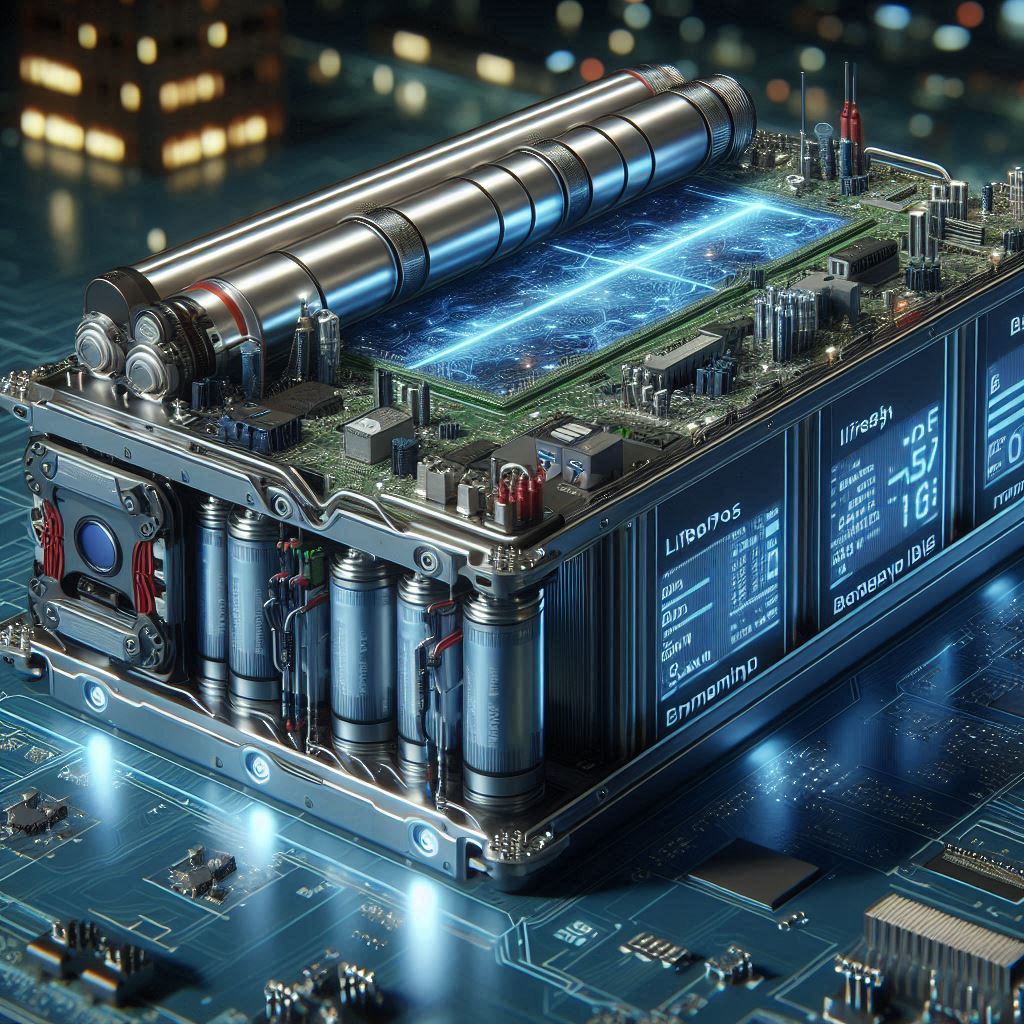
2. Consider Battery Chemistry Options
| Type | Pros | Cons |
|---|---|---|
|
Flooded Lead-Acid |
Inexpensive, reliable |
Requires maintenance, bulky |
|
AGM (Sealed) |
Maintenance-free, better for short loads |
Limited deep cycling capability |
|
Gel |
Excellent for deep cycles, sealed |
Sensitive to charging rates |
|
Lithium-ion (LiFePO₄) |
Long lifespan, lightweight, fast charging |
Higher upfront cost, needs BMS |
3. Check Cycle Life and Warranty
A battery with a higher cycle life will offer better value over time. For example:
-
2,000 cycles at 80% DoD = 5+ years of reliable daily use
-
5,000+ cycles (in premium lithium batteries) = over a decade of use
Also check the warranty duration and what’s covered (e.g., performance vs manufacturing defects).
4. Think About Expandability
If you’re planning to add more panels or appliances in the future, choose a battery model that allows for easy parallel expansion.
-
Modular lithium systems often allow stacking or linking for more capacity.
-
Lead-acid banks require matched batteries and can be harder to scale.
5. Confirm Compatibility with Your Charge Controller
Especially for lithium batteries, ensure your MPPT or PWM controller supports:
-
Correct charging voltage and current settings
-
Battery temperature compensation (if needed)
-
Communication via BMS (optional for some smart systems)
When in doubt, check the battery’s datasheet or contact your installer.
Frequently Asked Questions (FAQs)
Replacing a solar battery — or even diagnosing a failing one — can raise a lot of practical questions, especially for homeowners or off-grid users without a technical background. Below are answers to some of the most common questions people have about solar battery lifespan, performance, and replacement.
Generally, no. Mixing batteries of different ages or chemistries can cause imbalance issues. The older battery will degrade performance and reduce the lifespan of the newer one. If you must mix batteries temporarily, ensure they are:
-
The same type and voltage
-
Charged to the same level before connecting
-
Used in parallel (not series)
⚠️ Always consult your system’s specs or a solar technician before combining battery banks.
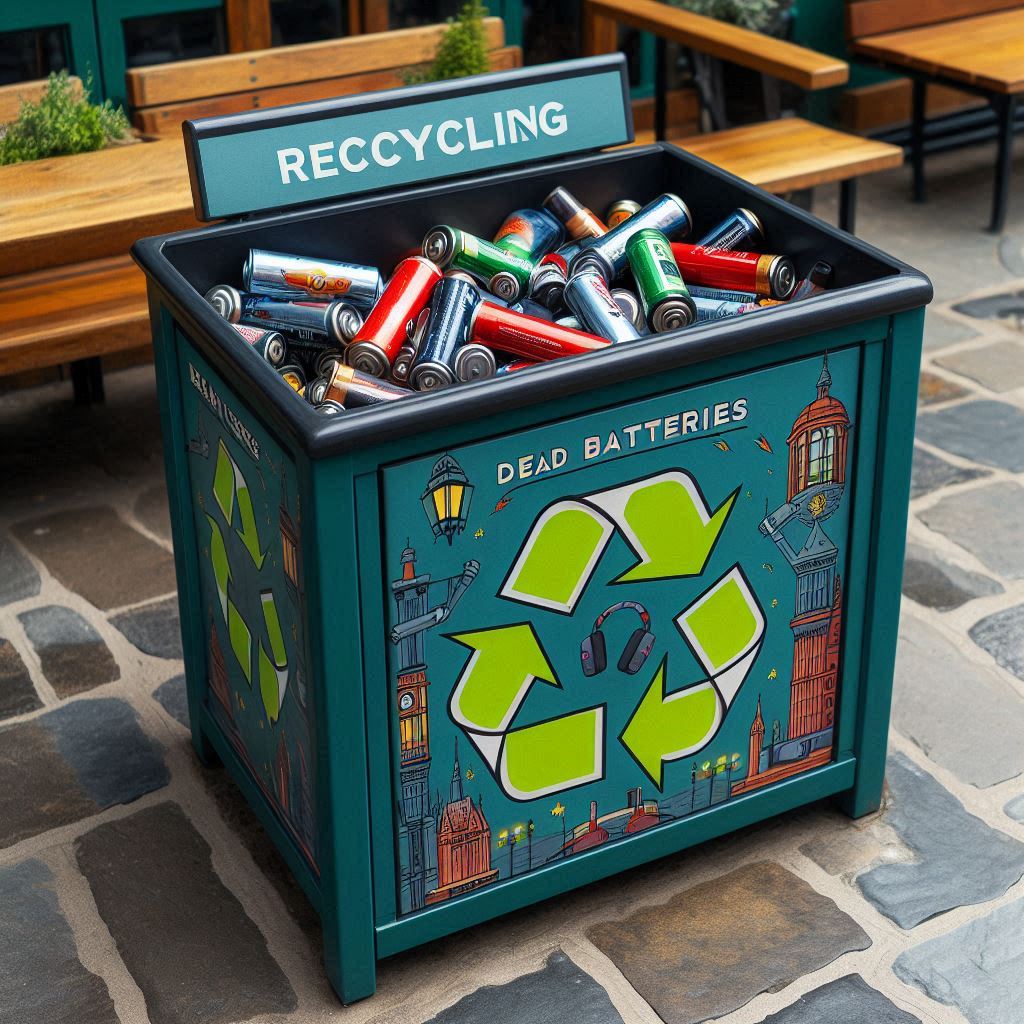
Never dispose of solar batteries in household trash. Instead:
-
Return them to a certified recycling center or solar retailer
-
Contact your municipal hazardous waste facility
-
Many shops offer battery swap programs
Lead-acid batteries are highly recyclable — over 95% of their components can be reused.
A failing battery can:
-
Overload or damage your inverter
-
Reduce solar panel performance (energy goes unused)
-
Trigger charge controller faults
-
Lead to power outages or fire hazards (especially if swelling or leaking)
🚫 Never ignore signs like swelling, fluid leakage, or voltage instability.
It depends on:
-
Battery type (e.g., 3–5 years for lead-acid, 10–15 years for lithium)
-
Depth of discharge
-
Ambient temperature
-
Quality of charge regulation
With proper care, many lithium-ion batteries exceed 5,000+ cycles, lasting over a decade in regular daily use.
Conclusion
Your solar battery is the heart of your energy storage system — quietly working behind the scenes to keep your lights on and your appliances running. Like any critical component, it has a lifespan. But knowing the signs of battery failure can help you avoid unexpected outages, equipment damage, or energy loss.
From reduced runtime and slow charging to swelling or voltage instability, the symptoms of a dying battery are easy to spot if you know what to look for. And with the right tools — like a multimeter, load tester, or charge controller logs — you can diagnose issues early and make an informed decision about whether to repair or replace.
The good news? With proper sizing, smart charging, regular maintenance, and modern lithium technology, your next battery could last twice as long. Still have questions? Drop them in the comments below — our team is always ready to help!